



How we help you
If you are just getting started or you already decide on your own, we walk you through the product in order. Canada-specific details (TFSA labels, CAD/USD desk) are under Canada details. Quick Q&A is on FAQ.
1. Read today’s market context
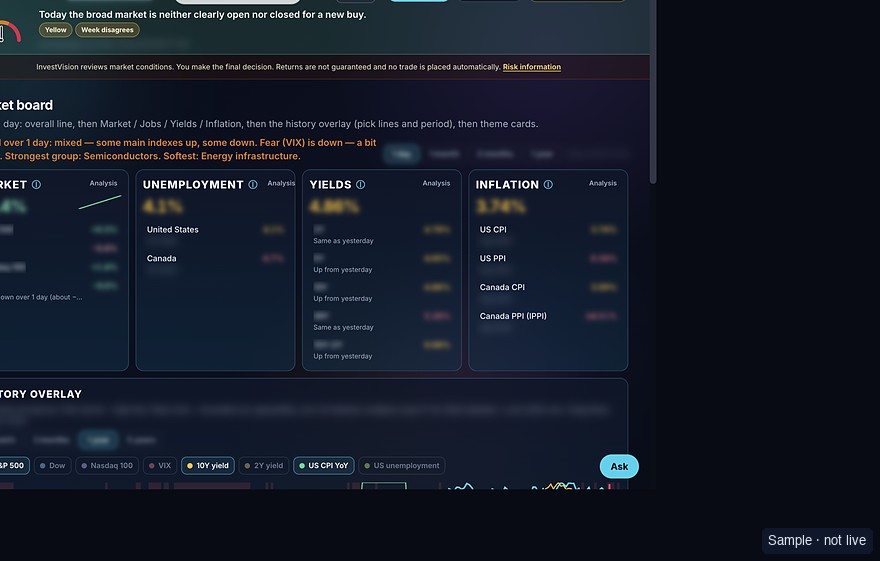
After sign-in, the top of the desk shows a broad-market check for a new buy: green when it is not blocking, yellow when it is unclear, red when waiting looks better. Not a forecast. Not advice on one stock.
2. Ready, Wait, Not ready
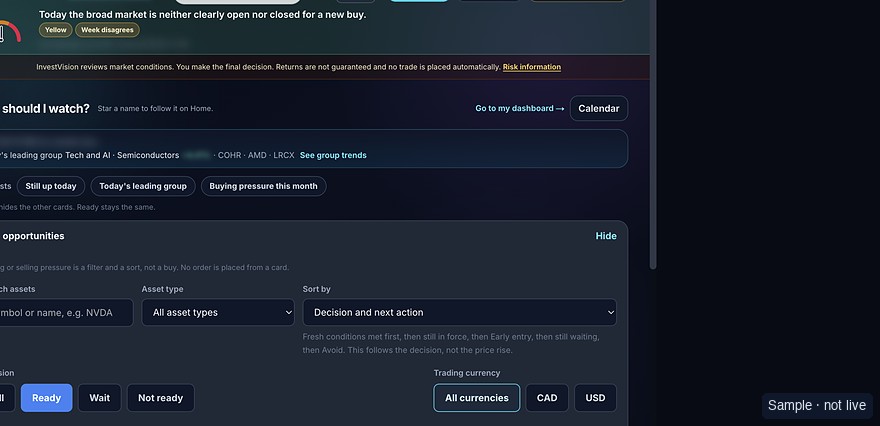
Ready: today’s last-close entry checks look met for a plan of a few weeks to a few months. Wait: not all checks passed. Not ready: they are not met.
The label does not say the company is good, that the price will rise, or that you should buy. Want more depth? Open the Ready / Wait guide under Guides.
3. Save a plan on shares you already hold
On a name you own, save a stop and a target for that account. Drawing levels on the chart is not a sell order. A message never places a trade.
4. Optional read-only brokerage
A linked brokerage can show symbols and quantities. We never ask for that brokerage password. Nothing here places an order.